Drink Can
spin the can.
A practice session where I followed a YouTube tutorial on 3D rotation in Figma and rebuilt it myself to understand how the effect, states and prototype wiring come together.
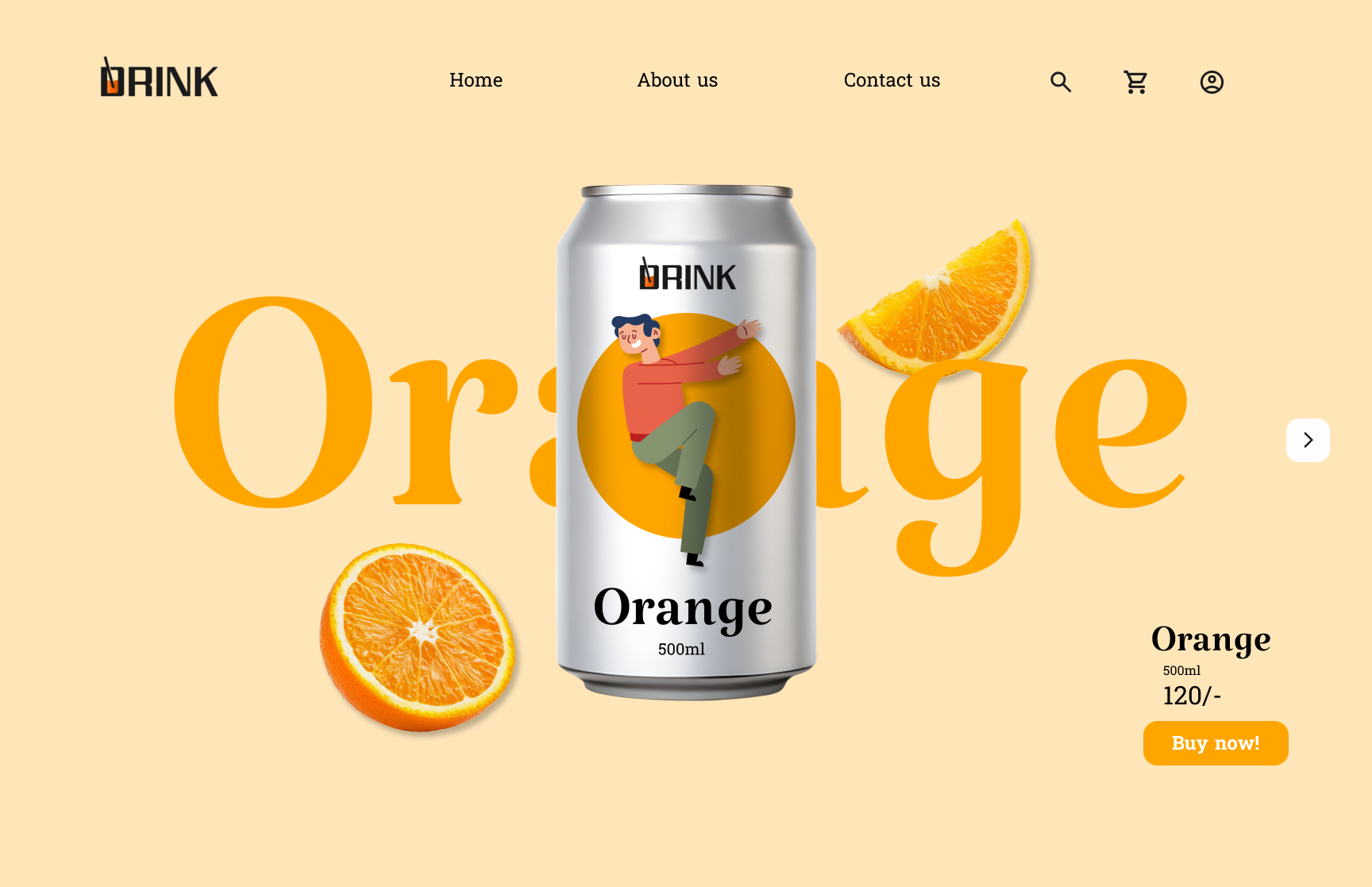
The default state — warm orange background, a sliced orange and the can front and center with the product name behind it.
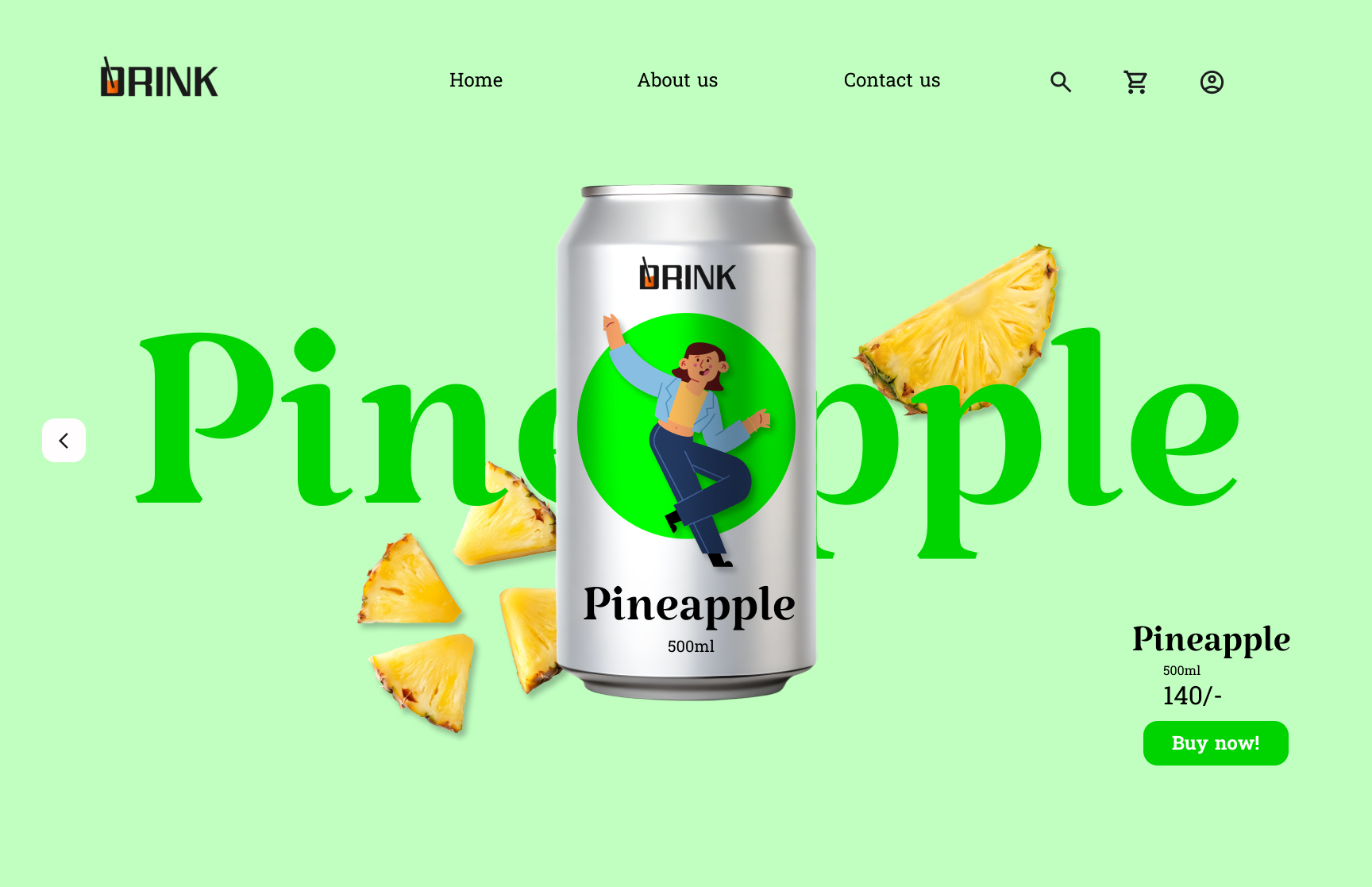
The second flavor swaps the background to mint green, replaces the fruit with pineapple wedges and updates the label.
What I was practising
I started by watching a tutorial on 3D rotation in Figma, then closed the video and tried to build the same effect from memory. That gap between watching and doing is where the actual learning happened.
The can uses multiple frames to simulate a spin — front, angled and side views — with Smart Animate bridging the transition. I had to keep the can's proportions, shadow and label alignment consistent across every frame so the motion felt like one continuous turn rather than a jump between images.
Two flavor variants taught me how to manage color, typography and fruit cutouts as a system. Each frame swaps the background, fruit imagery and label while keeping the can structure and rotation logic identical.