Pizza Ordering
learning by making.
A practice project I set myself to actually learn Figma — not to watch it. The goal was to understand wireframing, components and how a clickable prototype is wired together, using a pizza ordering page as the excuse.
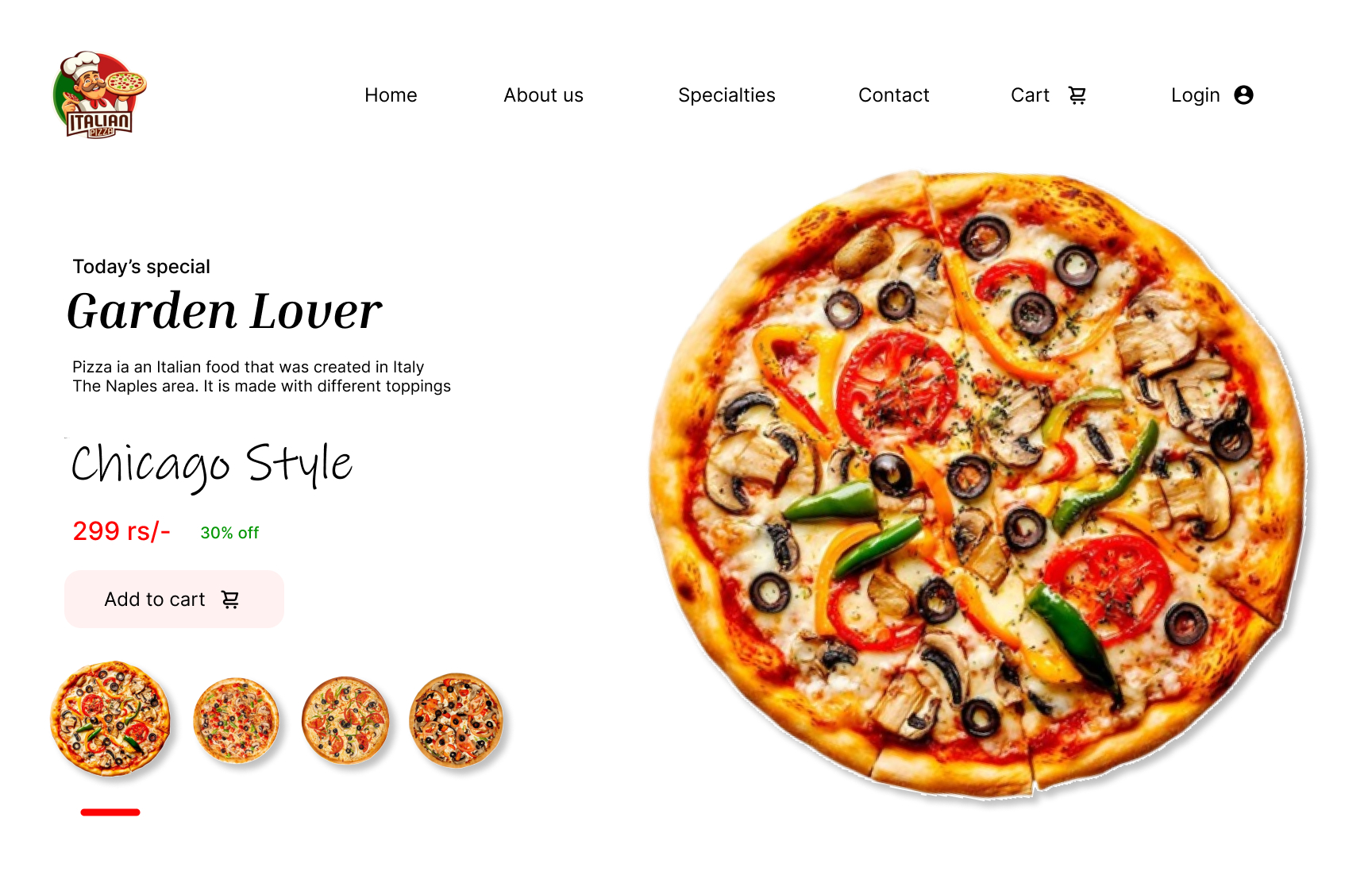
The default state — one hero pizza, a handwritten variant name, and a price that reads before anything else.
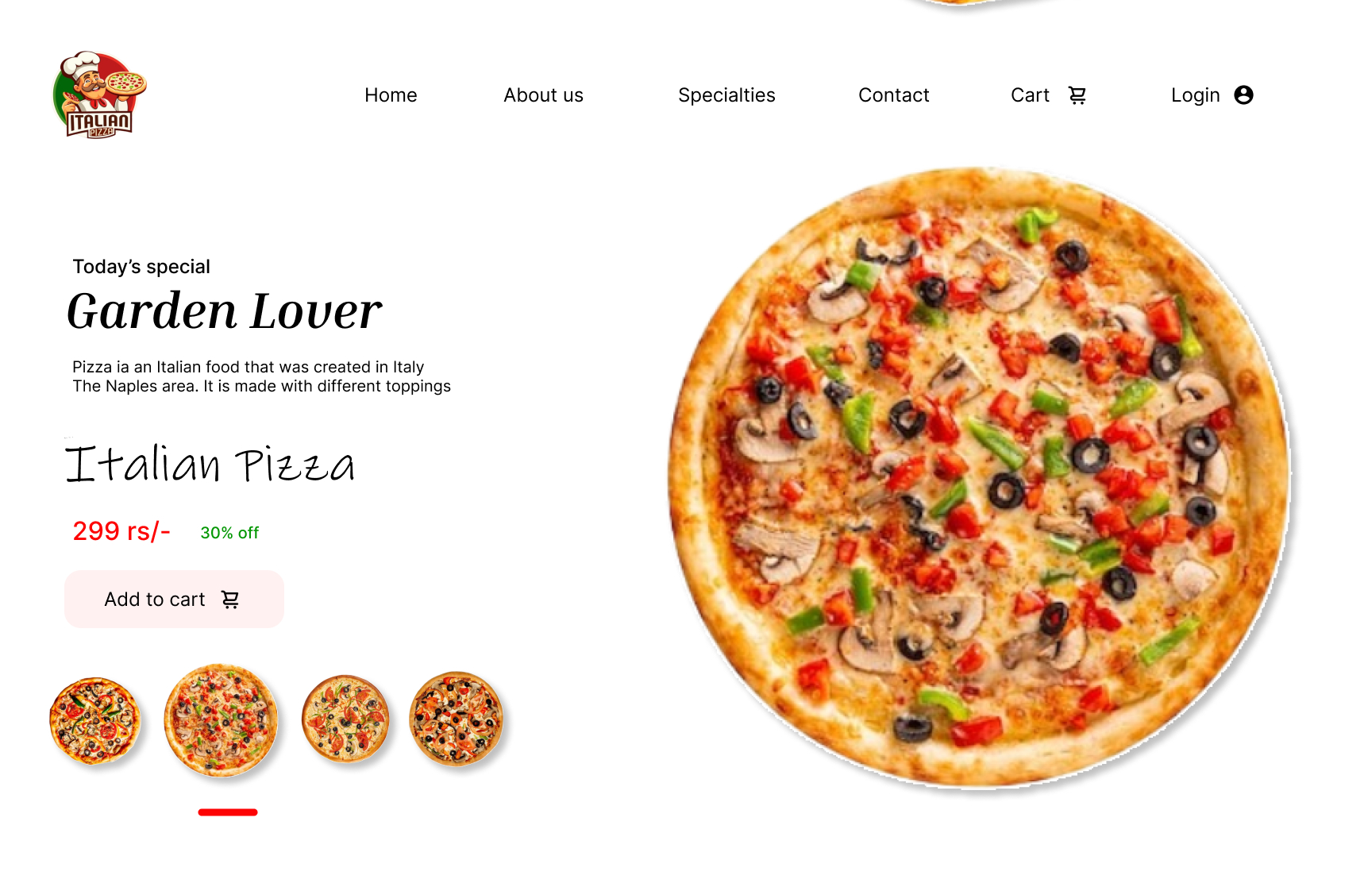
Selecting a thumbnail swaps the hero and the name. The underline marker is the only thing that moves.
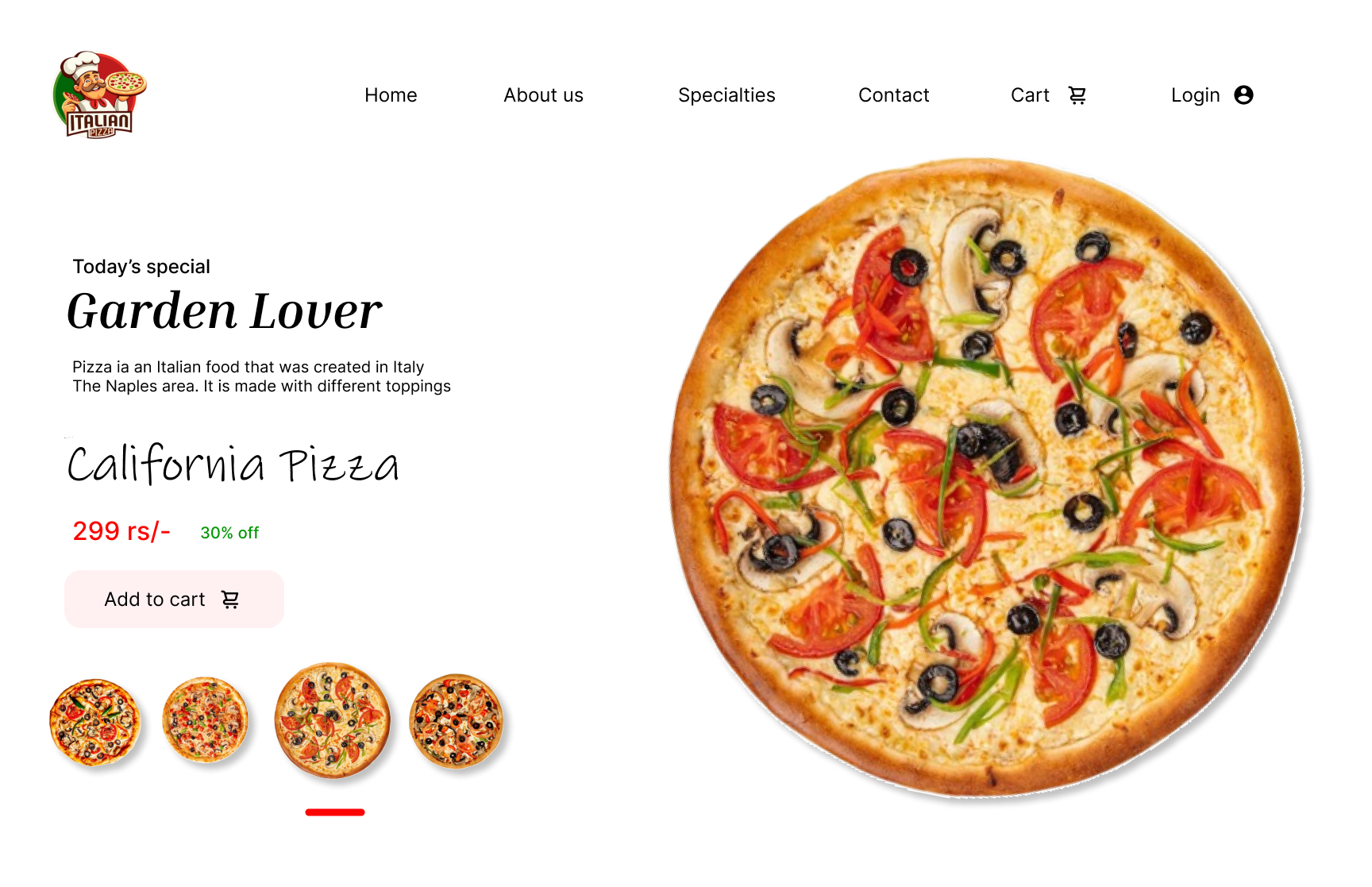
Same frame, new topping. Keeping the layout fixed made the component logic obvious while wiring the prototype.
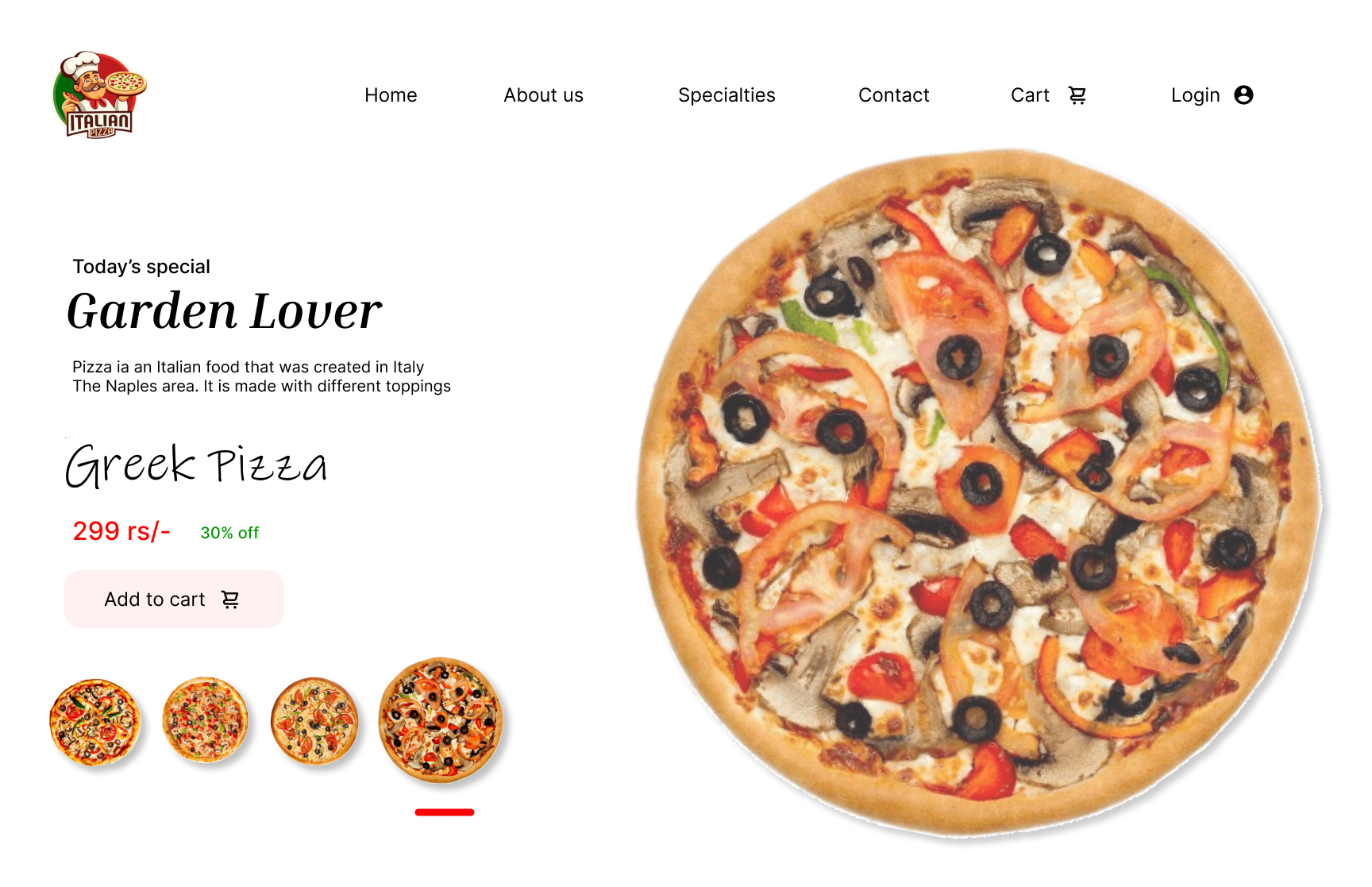
The last variant closes the loop, so the prototype can cycle without ever leaving the page.
What I was practising
I started with a rough wireframe: where the product sits, where the price sits, and what a person needs to see before they tap anything. Everything after that was refinement of that skeleton rather than decoration on top of it.
Four variants share one frame, which forced me to think in components and variants instead of duplicating screens. Only the hero image, the handwritten name and the active underline change between states.
Wiring the thumbnails into a working prototype was the real lesson — how interactions, starting points and navigation behave once a flow has to survive being clicked by someone who wasn't in your head while you drew it.